Seven Browser-Based 3D Experiences That Punch Above Their Weight

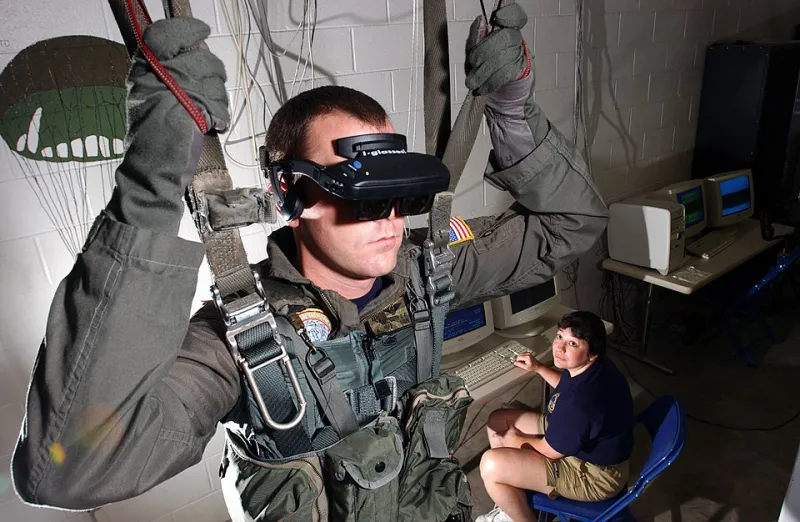
Photo: Stefanpavelka, CC BY 4.0, via Wikimedia Commons
The best way to learn spatial web development is to take apart things that work. Not tutorials — real products, running in a browser tab, holding a user's attention past the ten-second mark. Here are seven experiences that do exactly that, each demonstrating a technique you can steal for your own projects.
1. The Louvre's Virtual Tours — Lesson: Guide the Eye or Lose the User
The Louvre's browser-based gallery walkthroughs prove that a museum doesn't need a headset to feel immersive. The technique worth studying is constrained navigation: users move along curated paths rather than free-roaming a 3D space. It sounds limiting, but it solves the biggest problem in web 3D — most people don't know how to navigate a scene. Constraint is a feature. If your experience has a story to tell, take the wheel.
2. Three.js Journey's Showcase Pieces — Lesson: Lighting Is 80% of Perceived Quality
The community demos that circulate from Bruno Simon's Three.js ecosystem consistently look more expensive than they are, and the secret is almost always lighting. Real-time shadows, environment maps, and physically based materials turn primitive geometry into something that feels tactile. If your 3D scene looks flat and cheap, resist the urge to add more geometry. Fix your lights first.
3. Porsche's Vehicle Configurators — Lesson: Progressive Loading or Nothing
Product configurators are the quiet workhorses of the commercial 3D web, and automotive examples are the gold standard. The transferable trick is aggressive asset streaming: the car appears fast at low fidelity, then materials and details refine as higher-poly models stream in behind the scenes. Users never see a loading screen — they see a product getting better. Build this pattern into anything heavy you ship.
4. NASA's Eyes on the Earth — Lesson: Real Data Beats Pretty Fiction
NASA's browser-based visualizations render genuinely massive datasets — satellite positions, climate measurements, planetary imagery — smoothly in a tab. Their edge isn't visual polish; it's that every pixel means something. When you're building an experience that needs to hold attention, live or real-world data gives users a reason to come back that pure eye candy never will.
5. Bruno Simon's Portfolio — Lesson: Play Is a Navigation System
Yes, it's a résumé site — and also one of the most-studied WebGL projects on the internet, because you drive a little car around it. The lesson isn't "add a game." It's that interaction is navigation. Users remember what they physically did. If you can make someone steer, drag, or throw their way through your content, you've bought memorability that no scroll animation can match.
6. Sketchfab's Embedded Viewer — Lesson: Interactivity Standards Win Ecosystems
Sketchfab turned 3D models into something as embeddable as a YouTube video, and its viewer is a masterclass in interaction defaults — sensible orbit controls, predictable zoom limits, one-finger-friendly touch handling. Study it whenever you're tempted to invent custom controls. The patterns users already know are worth more than clever ones.
7. Artsteps — Lesson: Templates Beat One-Offs
Artsteps lets anyone build a virtual exhibition in a browser, no code required, and it works because the underlying spatial template is solid enough to disappear. For developers, the takeaway is product thinking: a reusable, configurable 3D framework that others can build on will outlast any single impressive scene.
The Common Thread
Notice what's missing from this list: none of these require an app install, a headset, or a gaming rig. They run where your users already are, on hardware they already own, behind nothing but a URL. That's the open web's unfair advantage in the spatial era — and every one of these experiences is proof that the bar for "impressive" is technique, not tooling. Pick one, open DevTools, and start taking notes.